Introducing Visible Body’s 3D Plasma Membrane and Diffusion Simulation
A key component of introductory biology courses is understanding the structure of the plasma membrane and how different substances move across it. The 3D plasma membrane and diffusion simulation in Visible Body Suite truly puts the power of active learning in students’ hands as they master these topics.
In this blog post, we’ll walk you through where to find the interactive simulation and how to use it to explore the plasma membrane, diffusion, and passive transport.
Where to find the plasma membrane simulation
To find the plasma membrane simulation, open the Biology section in Visible Body Suite, then go to the Biochemistry views.
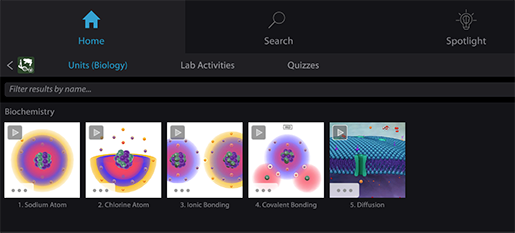 The plasma membrane simulation in the Biology section of Visible Body Suite.
You can also search for “plasma membrane” or “diffusion” using Content Search.
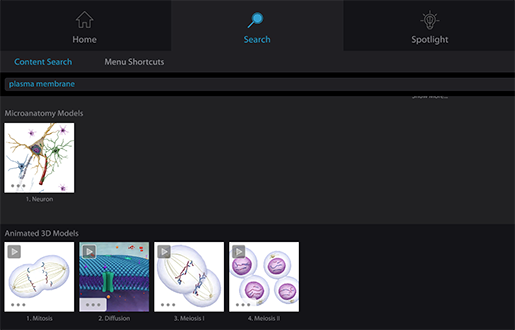 Using Content Search to find the plasma membrane simulation and related models in Visible Body Suite.
Investigate the plasma membrane in interactive 3D
When you open the simulation, you’ll see the plasma membrane as well as oxygen, sodium, and glucose molecules. Oxygen and sodium molecules move across the membrane, and glucose molecules stay on either side.
To learn more about the structure of the plasma membrane, you can zoom in, rotate, and highlight its essential components. See how hydrophilic heads and hydrophobic tails form the phospholipid bilayer. Then, learn from the info box how this unique arrangement makes the plasma membrane semipermeable, allowing some molecules to pass through freely while preventing others from doing so.
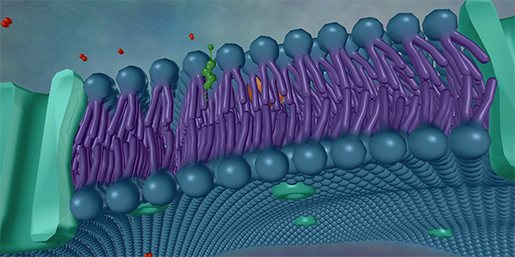 The phospholipid bilayer in Visible Body Suite.
Rotate the model further to focus on other elements of the plasma membrane: glycolipids, glycoproteins, and cholesterol.
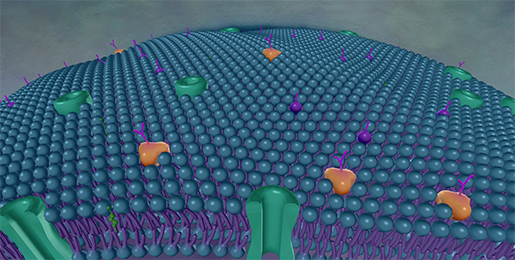 Other elements of the plasma membrane in Visible Body Suite.
Manipulate molecules to learn about diffusion
The 3D simulation isn’t just an animation you can watch — using the controls at the bottom of the screen, you can directly control the number of molecules on either side of the plasma membrane. Focus on one type of molecule at a time or watch all three in action!
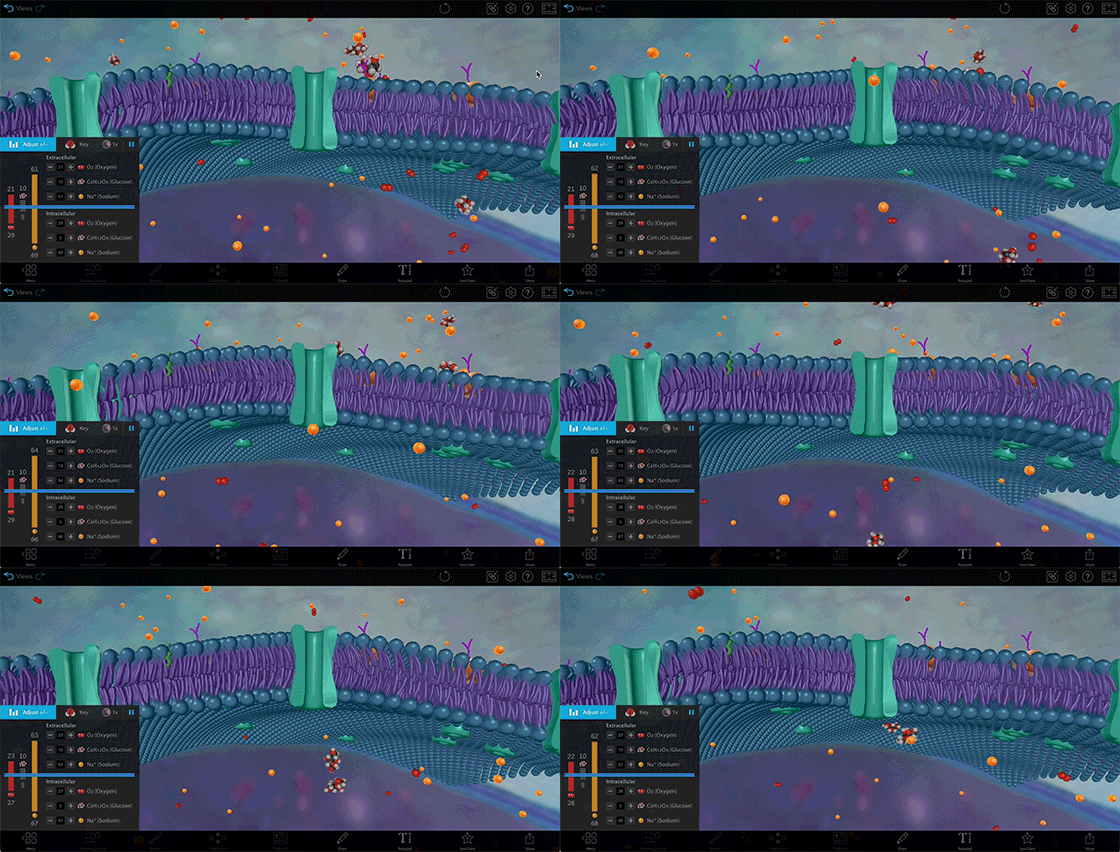 Diffusion and facilitated diffusion in Visible Body Suite.
Create a concentration gradient for oxygen or sodium by adding a large number of molecules to either side of the plasma membrane and watch how the molecules move down that gradient until equilibrium is achieved.
You can also pause the simulation or change the animation speed at any time.
Additional resources
That’s all for this quick overview, but we’ve got plenty more lesson ideas and learning resources for you. Check out these blog posts:
- Tiny Transportation: Active vs. Passive Transport in Cells
- Free Lesson Plan: Diffusion and Osmosis with Visible Body Suite
If you want to create interactive assignments using Visible Body’s 3D models, give Visible Body Courseware a try! With bite-sized lessons that keep students on track, auto-grading assessments, and integration with your school’s LMS, you can truly take your teaching to the next level.
Be sure to subscribe to the Visible Body Blog for more awesomeness!
Are you an instructor? We have award-winning 3D products and resources for your anatomy and physiology course! Learn more here.