What is it?
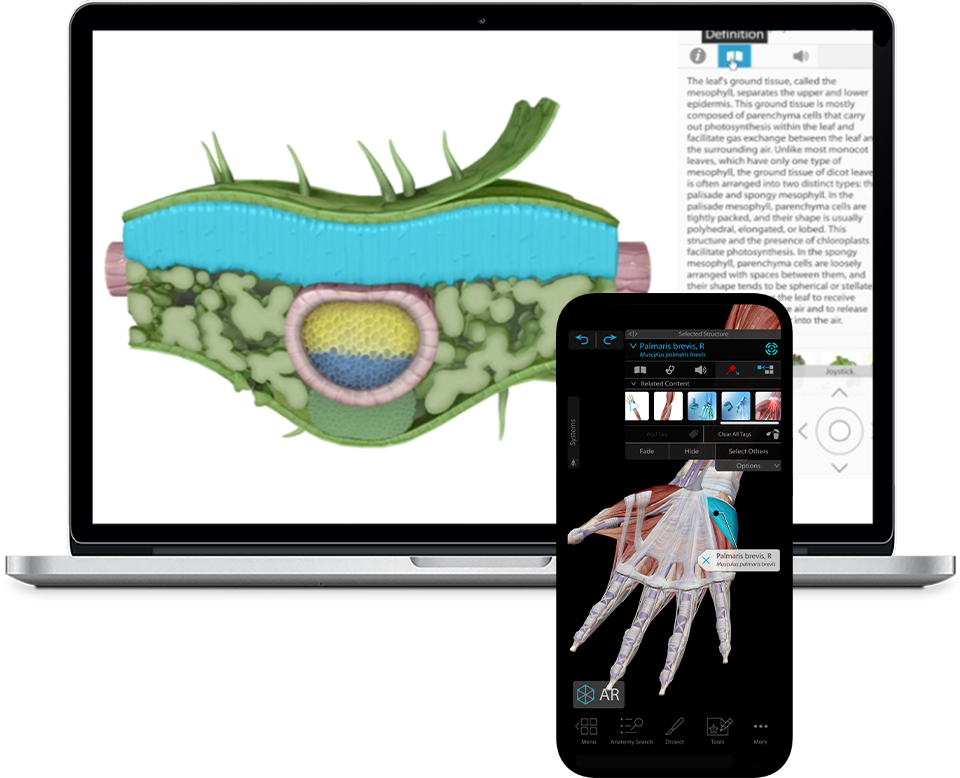
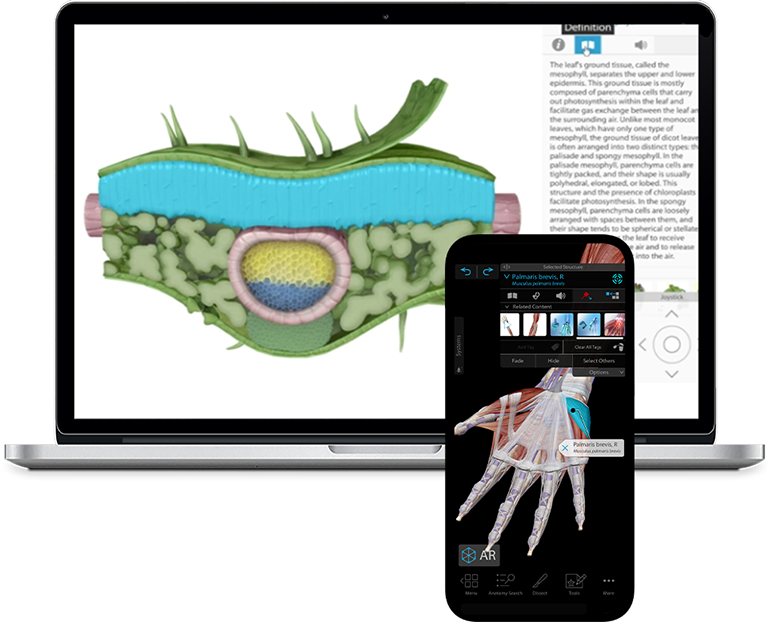
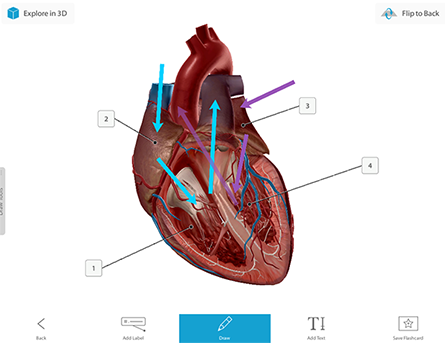
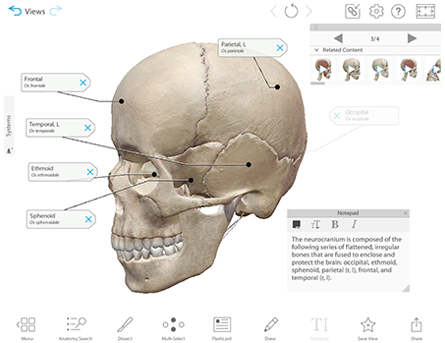
Human Anatomy Atlas is our best-selling and award-winning human anatomy general reference. The application is a revolutionary 3D visualization and learning tool used to explore the systems of the human body. It contains more than 3,400 anatomical structures, including all major organs and systems of the male and female body. This application is used by healthcare professionals, patients, students, and all others interested in detailed visualization of human anatomy.
What does it include?
Human Anatomy Atlas includes:
- 3D Atlas section that is fully interactive and includes over 3,400 anatomical structures
- Hundreds of thumbnails that launch preset views of regions and body systems
- The ability to create and save custom views
- Detailed definitions and pronunciations*
- Hundreds of quizzes*
- Dynamic search capability, drawing, and screenshot capture
- Languages: English, French
- License for two computers/one user
* Currently unavailable for French version
System Requirements
The following hardware is required to run Human Anatomy Atlas for PC or Mac (Download).
For PC:
- 2 GB RAM
- 2 GHz Pentium 4 processor or better
- Windows XP/Vista/7/8
- Dedicated video card with 64+ MB on-board RAM
For Mac:
- For Mac:
- 1 GB RAM
- Intel processor
- Latest version of OS X 10.5/10.6/10.7
- Dedicated video card with 64+ MB on-board RAM
How to Install
Downloading and installing Human Anatomy Atlas on your PC or Mac is easy:
- Purchase and download the Human Anatomy Atlas for PC or Mac.
- Launch the installer (filename VisibleBodyInstaller or VisibleBodyInstaller.exe) and follow the instructions to install the application onto your hard drive.
- Launch the application and enter your serial number.
Get More Information